Technology can make assisted living easier, safer, and more connected when devices are set up around a resident’s abilities and daily routines. The goal is not to learn every feature. It is to use a few dependable tools with clear settings, familiar controls, and support available when something becomes confusing.
Which devices are easiest for assisted living residents?
The most useful devices are usually those with large displays, simple menus, strong speakers, and dependable charging systems. A smartphone, tablet, or basic laptop may be enough for communication, entertainment, appointments, and information.
A tablet is often comfortable because its screen is larger than a phone’s and it can be lighter than a laptop. A smartphone may be more practical for calls, emergency communication, and use outside the residence. A laptop can help residents who prefer a physical keyboard or need to manage documents.
Before choosing a device, consider:
- Can the resident read the screen without straining?
- Are the buttons or touch controls easy to identify?
- Is the charging port manageable?
- Can the volume be adjusted high enough without distortion?
- Does the device fit comfortably on a lap, bedside table, or activity table?
- Will a family member or trusted helper be able to assist with settings?
A simple device used regularly is usually more helpful than an advanced device that feels difficult or unfamiliar.
How can seniors make text and screen controls easier to use?
Larger text, stronger contrast, and fewer distracting icons can make technology much less tiring. These settings are usually found under accessibility, display, or text-size menus.
Helpful adjustments include:
- Increasing text size and icon size
- Turning on bold text or high-contrast display options
- Using a brighter screen in well-lit rooms
- Reducing glare by changing the screen angle
- Increasing touch-and-hold timing if taps are accidentally registered
- Turning off unnecessary notifications
- Enabling spoken commands or screen reading when appropriate
Residents with hearing loss may benefit from captions on videos, visual alerts for calls, and amplified audio settings. Those with limited dexterity may find voice commands easier than small touch controls.
It helps to change only one or two settings at a time. Too many changes at once can make a familiar device feel unfamiliar.
What is the safest way to handle passwords and scams?
Seniors should treat unexpected messages, pop-up warnings, and urgent phone calls with caution. A legitimate organization generally does not need a person to reveal a password, provide a complete bank account number, purchase gift cards, or transfer money immediately because of a surprise message.
Useful safety habits include:
- Do not click links in unexpected texts or emails.
- Do not share verification codes sent by text.
- Avoid storing passwords on scraps of paper placed near the device.
- Use different passwords for important accounts.
- Consider a password manager if a trusted helper can explain and support it.
- Pause before responding to messages that create fear or urgency.
- Verify unusual requests through a known phone number or familiar contact method.
Residents should know that caller identification can be falsified. A call that appears to come from a familiar person or organization may not actually do so.
If a suspicious message appears, saving a screenshot can help a family member or staff member understand what happened. Deleting the message without responding is often safer than continuing the conversation.
How can technology help residents stay connected?
Video calls, regular phone calls, group messages, and shared photographs can reduce isolation, especially during winter weather or periods when travel is difficult. Sharon experiences cold conditions and winter disruptions that may occasionally make in-person visits less convenient, so a reliable communication routine can be useful.
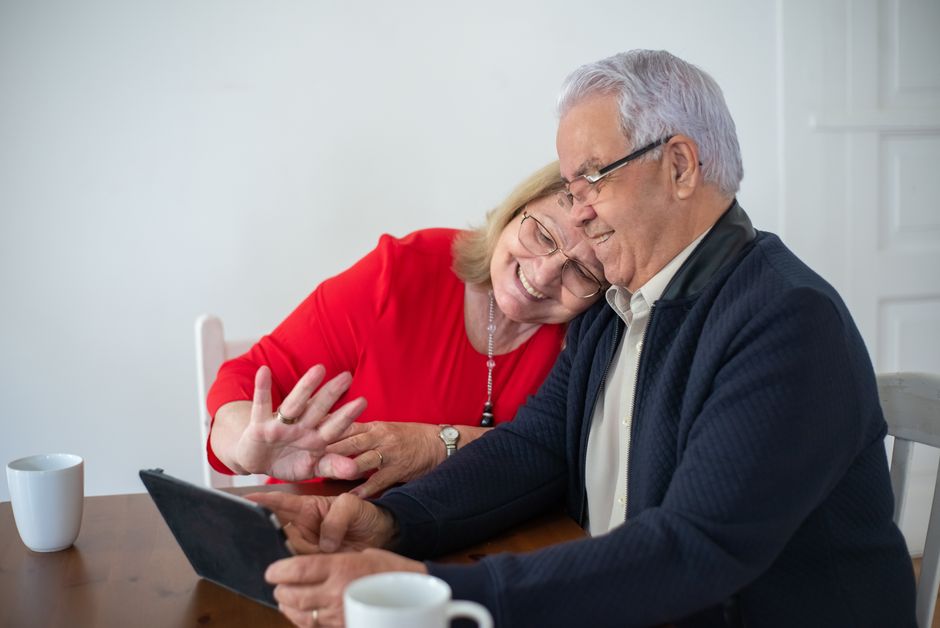
A simple weekly plan may work better than occasional, complicated calls. For example, a resident might have one scheduled video call with family, a shorter midweek phone call, and access to shared photographs or messages.
To make video calls easier:
- Keep the device on a stand rather than holding it.
- Use headphones if background noise is difficult to understand.
- Sit facing a window or lamp so the face is well lit.
- Ask callers to speak clearly and avoid talking over one another.
- Keep a short written instruction card nearby with the steps for answering.
Family members can make the process easier by calling at predictable times and avoiding frequent changes to the app or device.
Can technology support medication and appointment routines?
Technology can provide reminders, but reminders should support—not replace—an established medication system. A phone or tablet can produce alerts for medications, meals, activities, appointments, or hydration. A digital calendar can also help residents remember transportation arrangements and family visits.
Reminders are most effective when they are:
- Labeled in plain language
- Set at a realistic volume
- Repeated if the first alert is missed
- Connected to a familiar routine
- Reviewed after schedule changes
A reminder saying “Take medicine” may be less useful than a more specific label approved by the resident’s care plan. Medication instructions should come from the appropriate care team or prescribing clinician, not from an app alone.
Residents should also be cautious about online health information. Search results may be incomplete, outdated, or written for conditions different from the resident’s own. Questions about symptoms, side effects, or changing a medication should be directed through the established care process.
What should residents know about emergency use?
A charged phone should be easy to reach from the bed, chair, and bathroom area if possible. Residents should know how to make an emergency call, unlock the device if necessary, and identify their location within the residence.
A simple emergency information card may include:
- The resident’s full name
- Important medical conditions
- Medication or allergy information as directed by the care plan
- Emergency contacts
- The name and location of the residence
- Any communication needs, such as hearing difficulty
The card should be kept in an accessible place and updated when information changes. Emergency settings on a phone may allow designated contacts or medical information to be viewed from the lock screen, but privacy preferences should be discussed before enabling those features.
Technology does not replace an emergency response system or the residence’s established procedures. Residents should follow the instructions provided for emergency buttons, call systems, and staff assistance.
How can privacy be protected in shared living spaces?
Assisted living often includes shared activities, visitors, and staff support. Devices should be positioned so private messages, medical information, and account details are not visible to others.
Practical privacy steps include locking the screen when stepping away, using headphones for personal conversations, and avoiding financial transactions on public or shared networks. A resident should also decide who may receive account access or help with online services.
Photos and video calls can raise privacy concerns as well. Before recording or photographing other residents, ask for permission. Not everyone wants to appear in a shared message, group call, or online album.
What is a good way to learn without feeling overwhelmed?
Technology practice works best in short sessions focused on one task. A resident might first learn how to answer a call, then how to make a call, and later how to send a photograph. Written instructions should use large print, short sentences, and the exact words that appear on the screen.
Repeating the same steps is not a failure. Memory, vision, hearing, medication effects, and stress can all influence how easily a person uses technology from one day to the next.
The most useful setup is one that remains understandable on an ordinary day. A clearly labeled charger, a familiar home screen, dependable contacts, and a small number of trusted applications can provide more value than a device filled with features that are rarely used.